



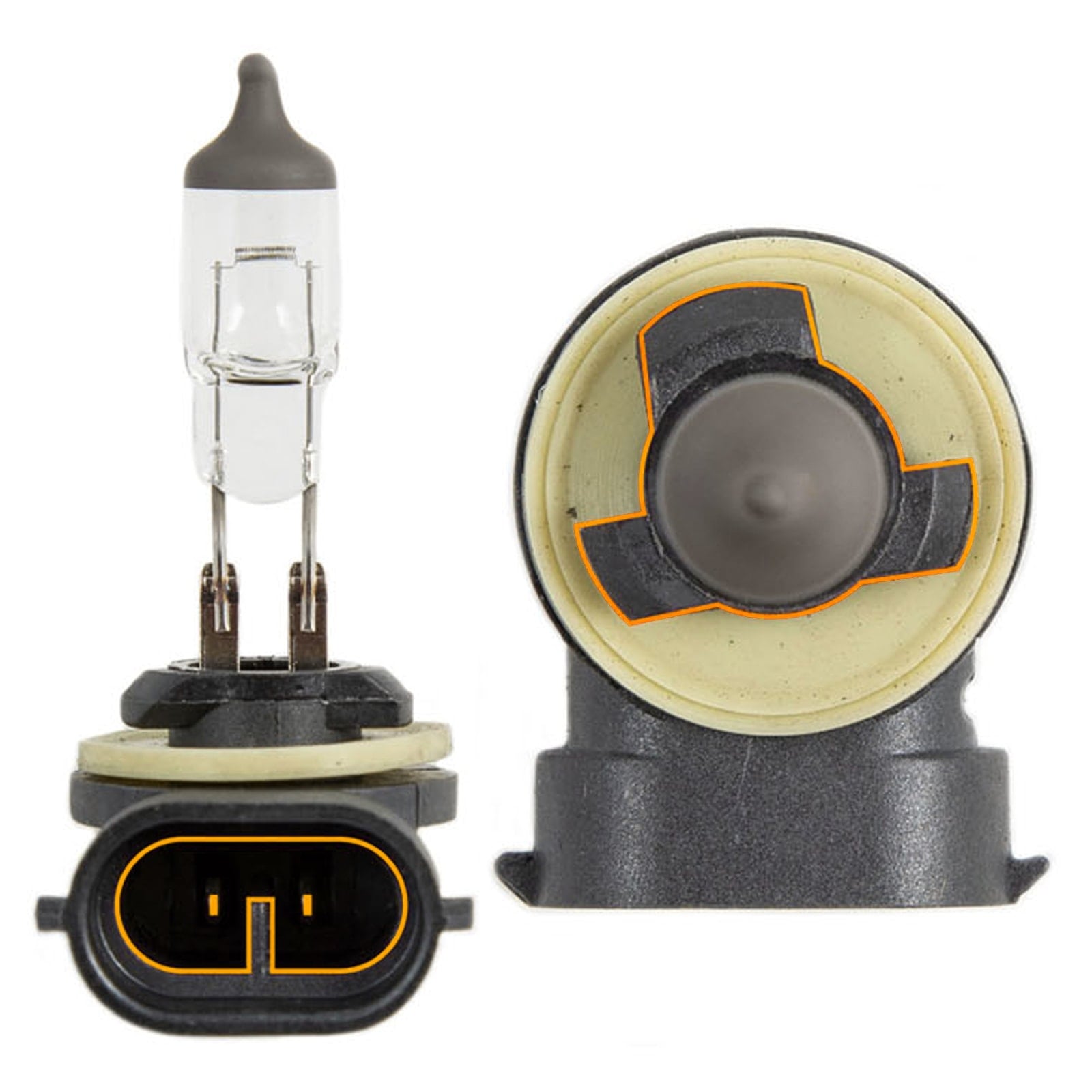
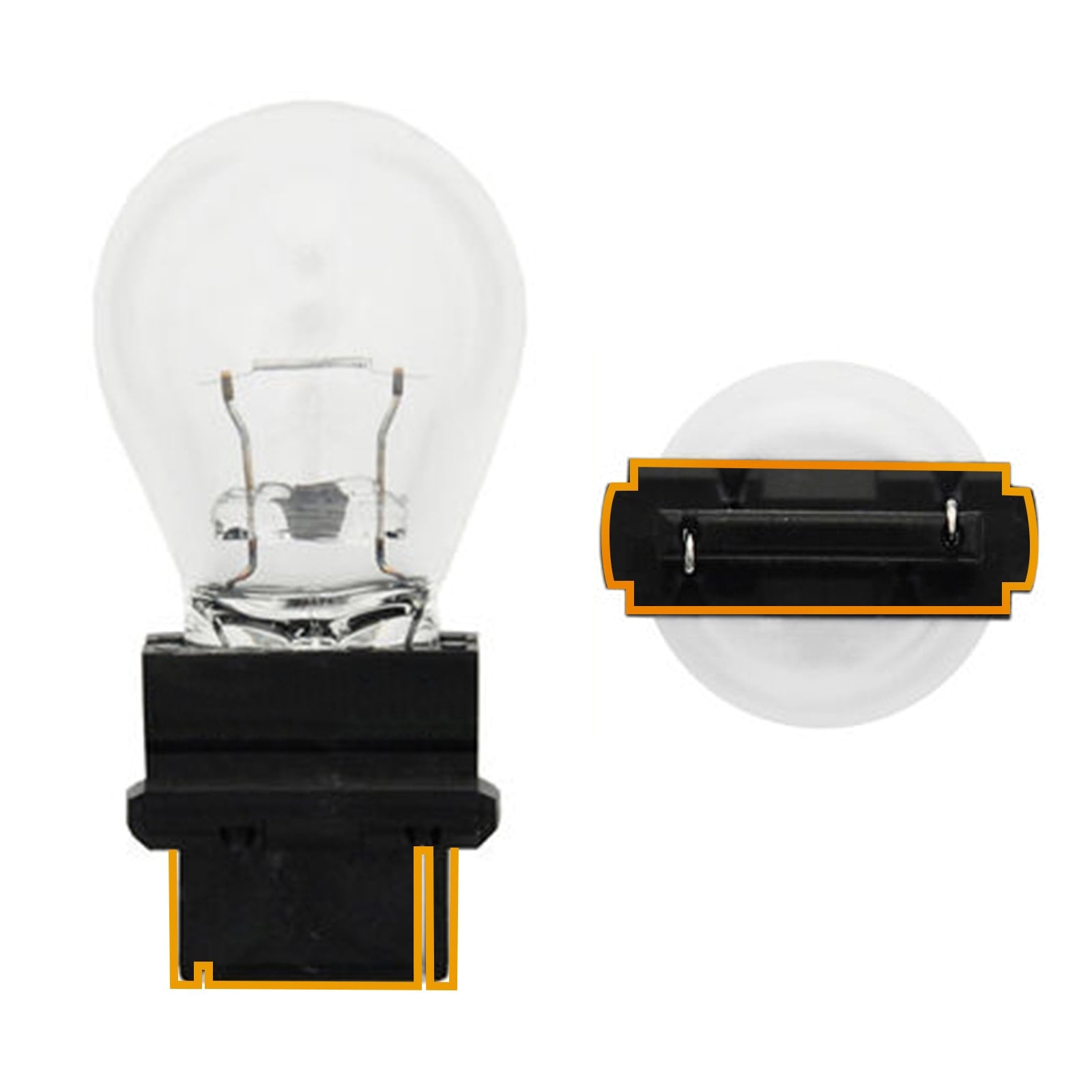
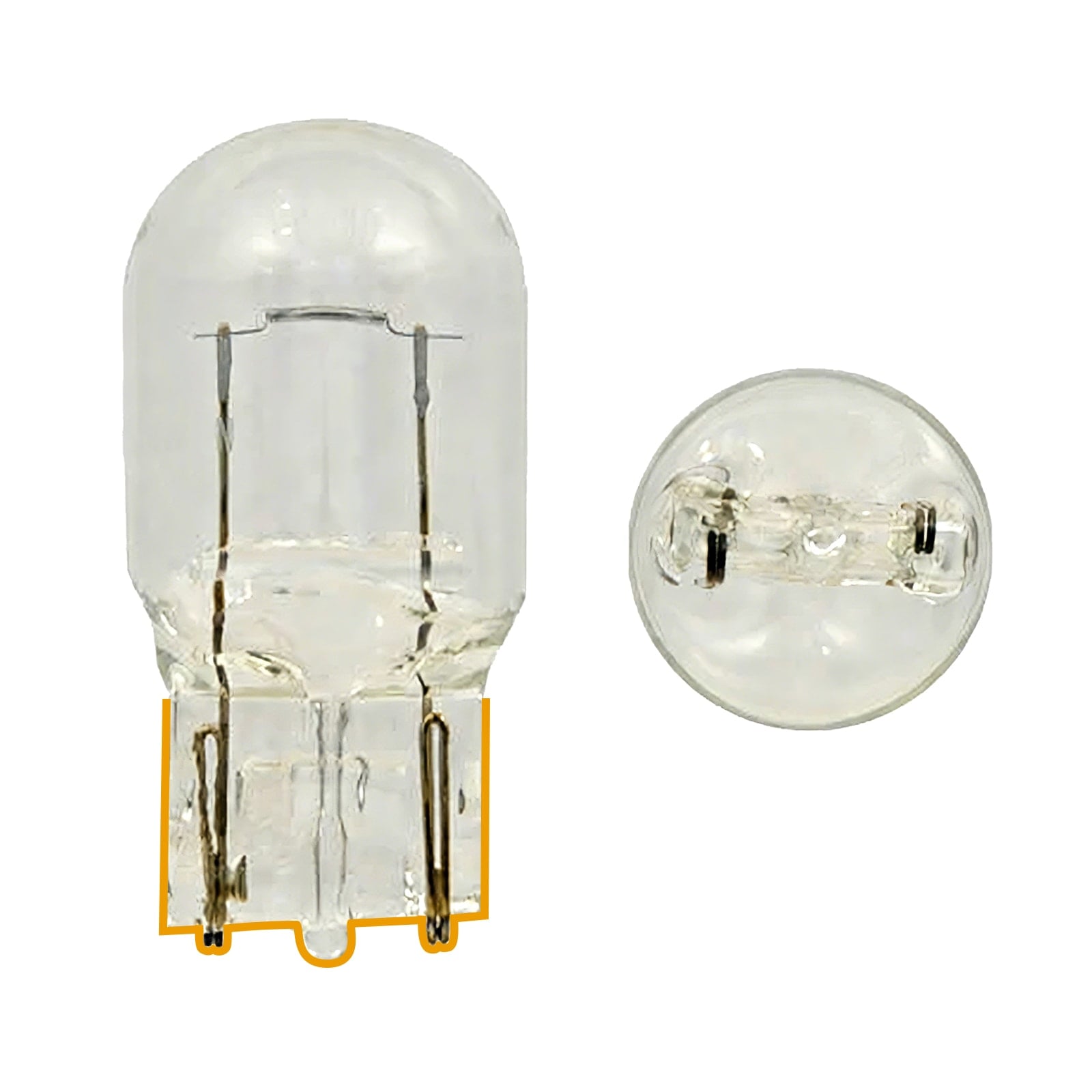
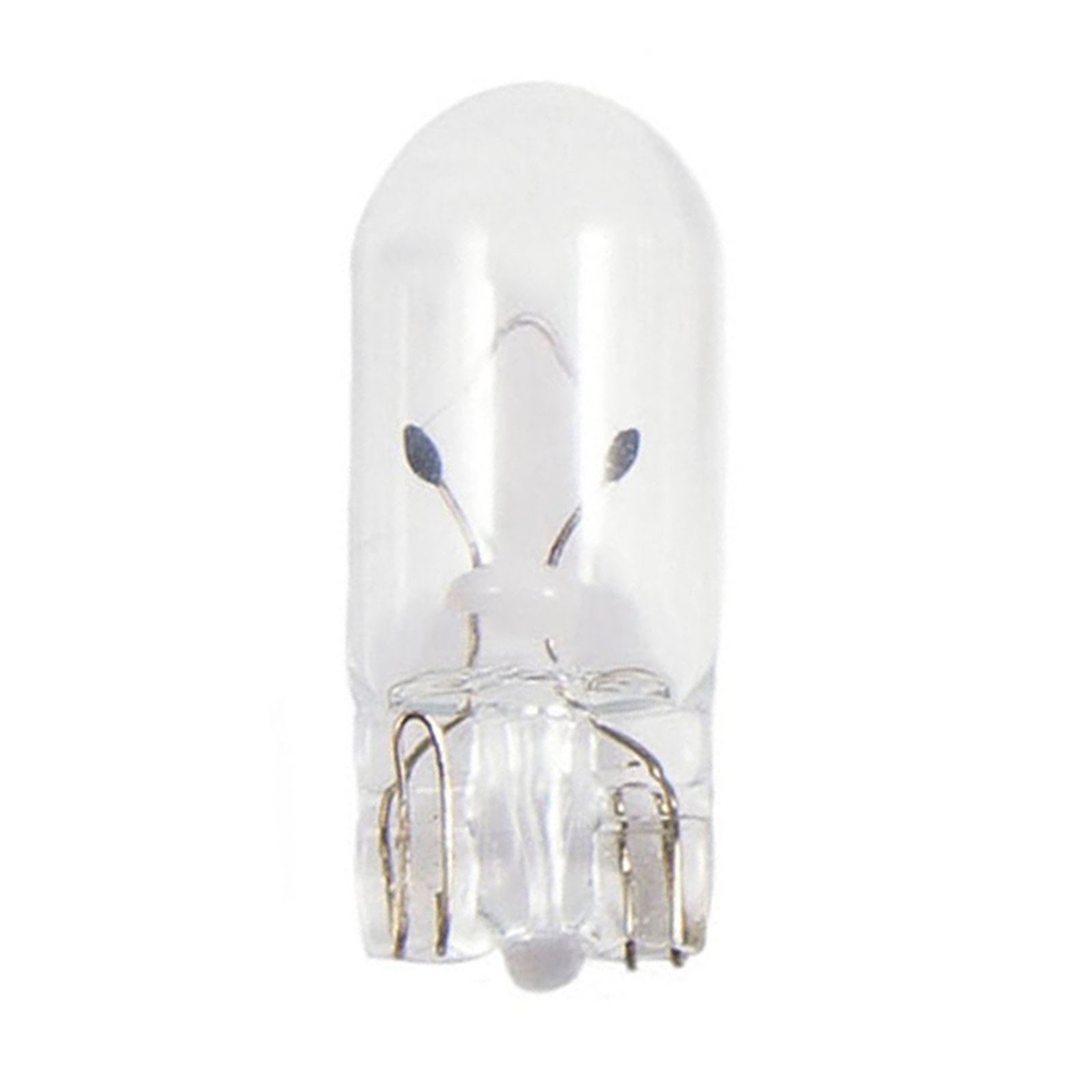
 S7S 9005 H11

 Track Order
 My Vehicles
 Contact Us







-69c35c81b5664.jpg)


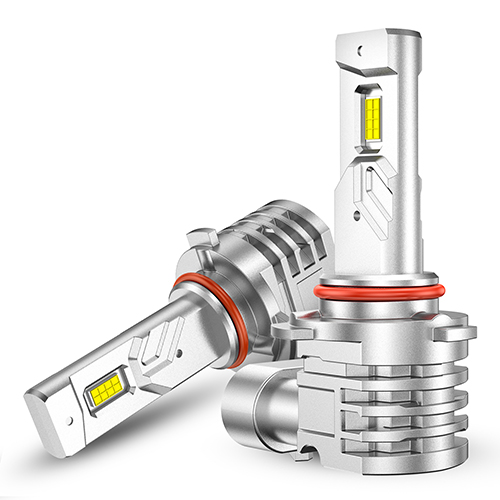
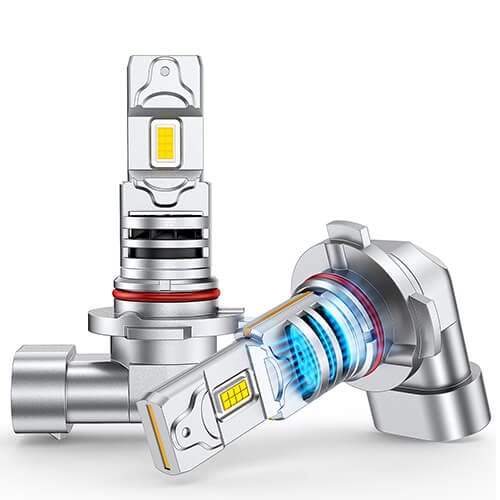



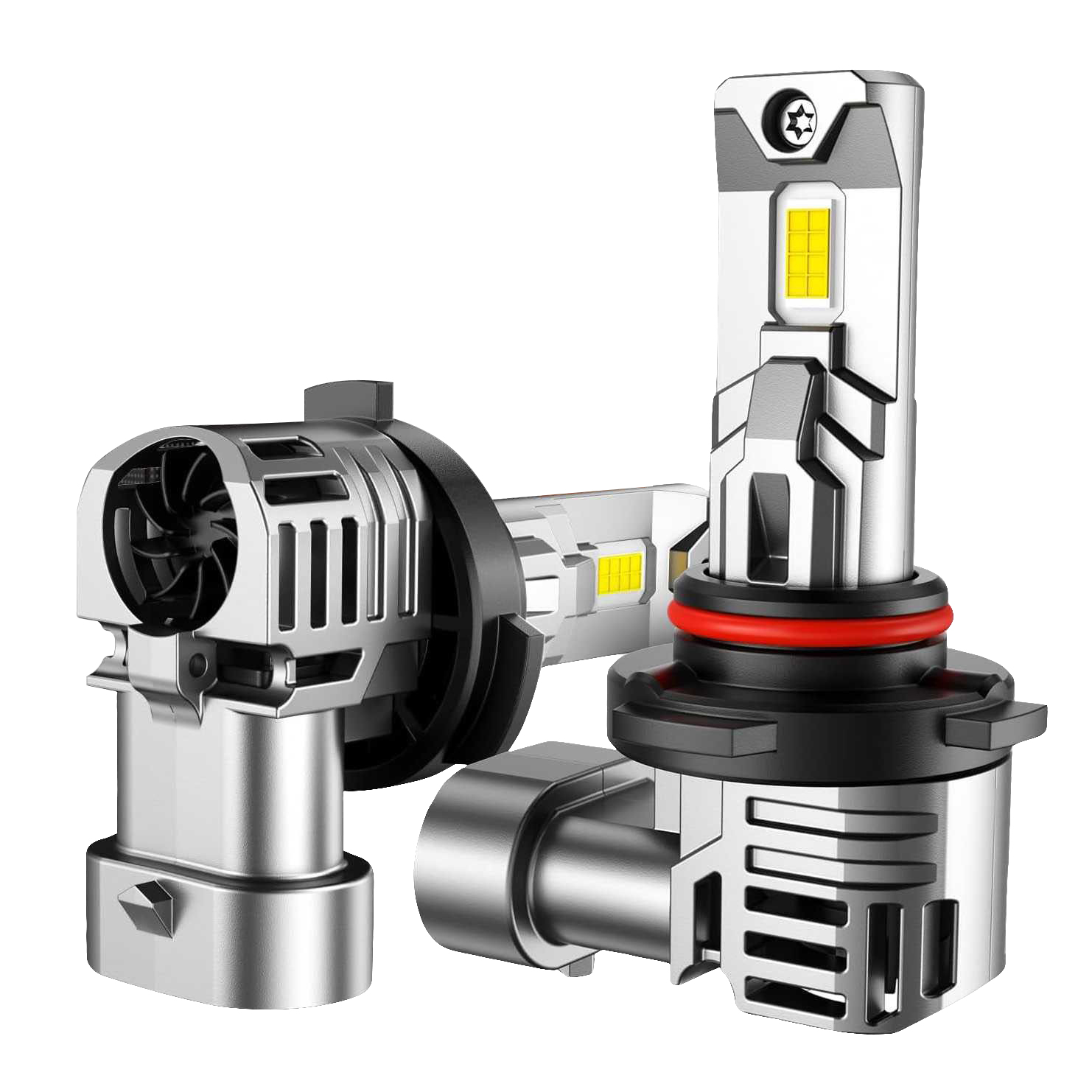




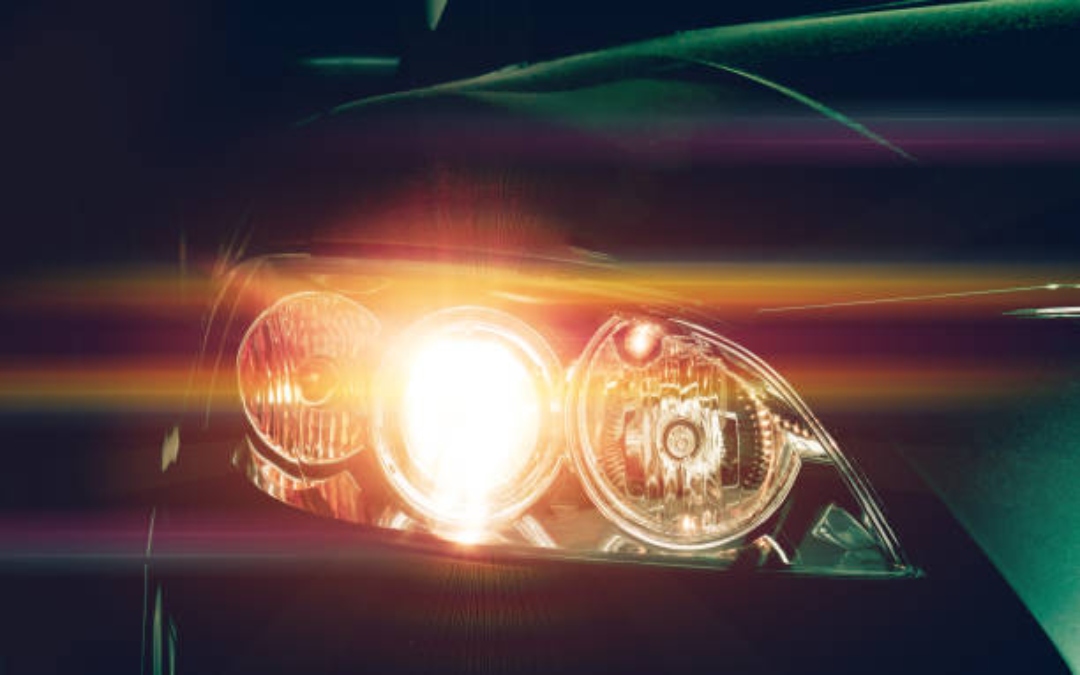
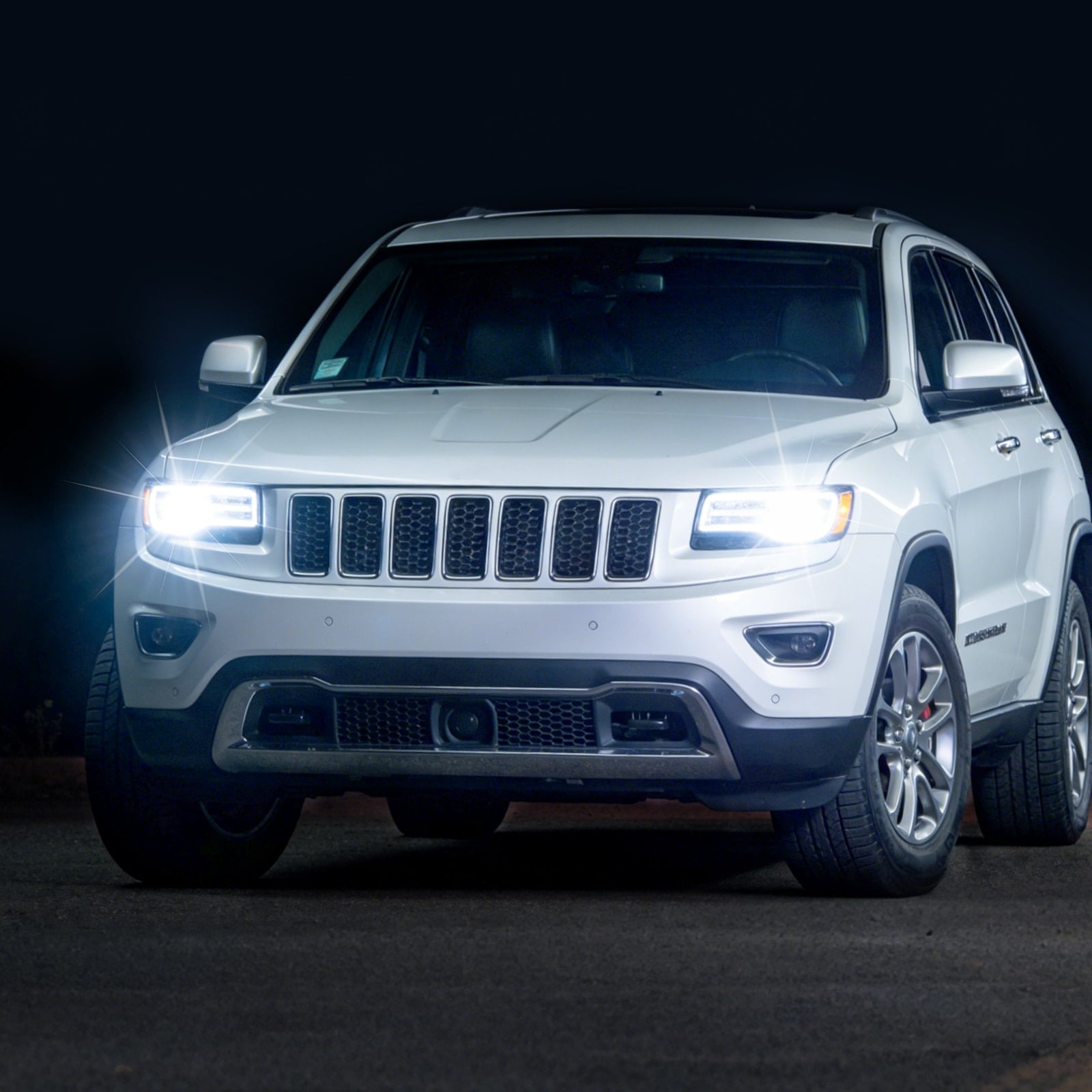
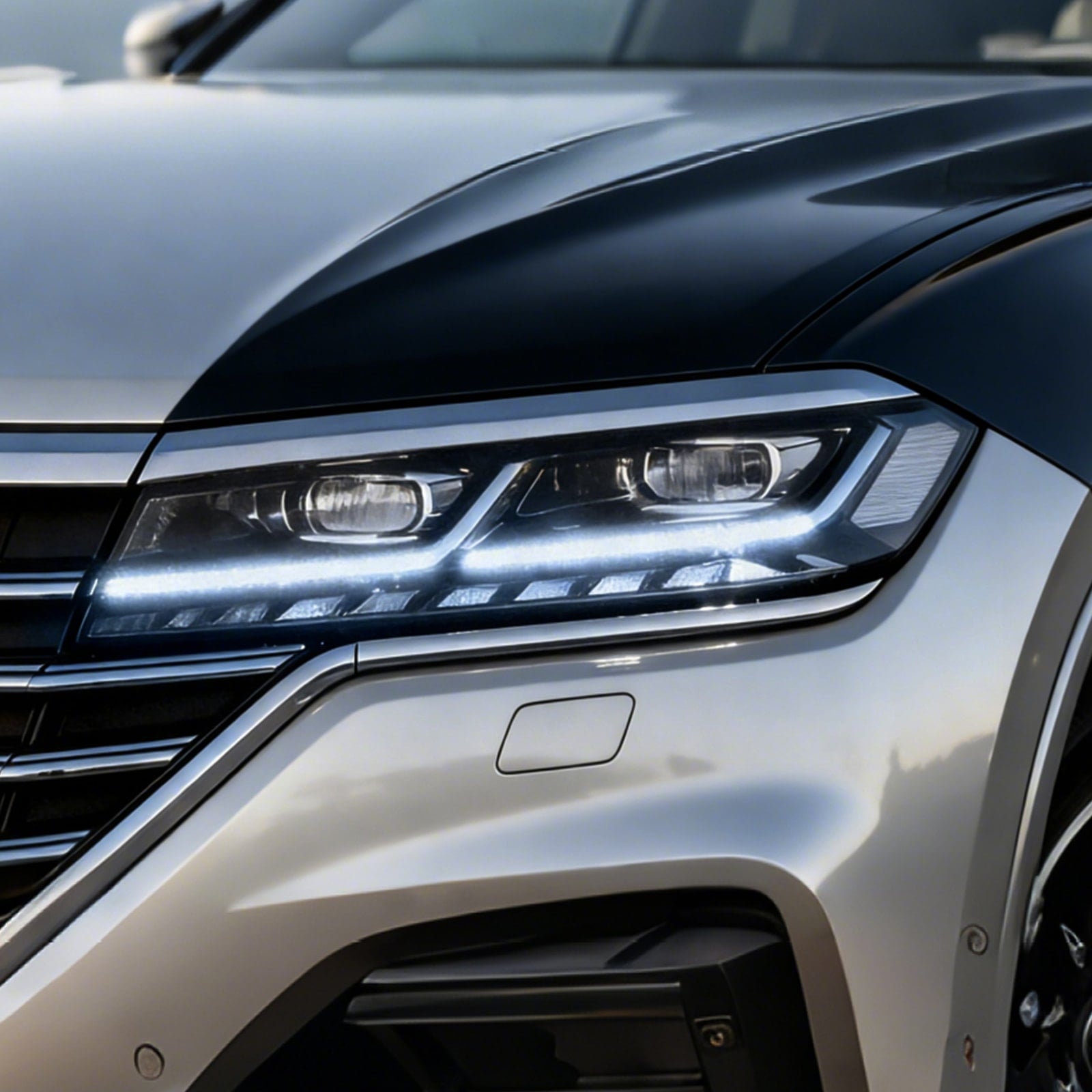
Flickering headlights usually mean the lights are receiving unstable power, a connection is loose, a component is beginning to fail, or newly installed LED bulbs are not fully compatible with the vehicle’s electrical system. Because several problems can cause the same symptom, replacing the bulbs right away is not always the best first step.
The biggest clue is when the flickering occurs. Does it happen only at startup, while the engine is idling, when you drive over bumps, or when other electrical accessories are running? Did it begin after you switched from halogen to LED bulbs? These details can help you narrow down the cause.
Quick Answer: How Do I Stop My Headlights From Flickering?
Start with the easiest checks:
- Confirm that both bulbs are properly seated.
- Inspect the plugs, visible wiring, and ground connections.
- Determine whether one headlight or both headlights are flickering.
- Note exactly when the problem occurs.
If both headlights flicker together, the issue may be in a shared part of the electrical system, such as the battery connection, alternator, ground, relay, switch, or lighting-control module. If the problem started immediately after an LED upgrade, bulb compatibility or a CANbus issue is more likely.
Test one possible cause at a time. Replacing several parts at once makes it harder to identify the actual fault.
Common Causes of Flickering Headlights
Most headlight flicker can be traced to one of these areas:
- A loose or failing bulb
- A damaged LED driver
- A loose or corroded connector
- A poor ground connection
- Damaged wiring
- A weak battery or loose battery terminal
- An unstable alternator or voltage regulator
- A worn relay or headlight switch
- A compatibility issue between LED bulbs and the vehicle’s electronics
Whether the flicker affects one headlight or both can help you decide where to begin.
Why Is Only One Headlight Flickering?
If only one headlight flickers, start with that side. A loose bulb, damaged socket, poor connector contact, failing LED driver, or local ground problem is more likely than a vehicle-wide charging issue.
Make sure the bulb is locked into the housing and the plug is fully connected. Check for bent pins, corrosion, overheated plastic, broken locking tabs, damaged insulation, and moisture inside the connection.
If both sides use identical bulbs and you can swap them safely, move the suspected bulb to the other side. If the flicker follows the bulb, the bulb or its driver is likely the problem. If the flicker stays on the same side, inspect that side’s connector, wiring, and ground.
Why Are Both Headlights Flickering at the Same Time?
When both headlights flicker together, focus on parts of the electrical system that both lights share. Possible causes include a loose battery connection, unstable charging voltage, a shared ground, a relay, a switch, damaged wiring, or a command from the vehicle’s body-control system.
Watch the dashboard and interior lights as well. If several lights pulse or change brightness at the same time, a battery, charging-system, or shared electrical problem becomes more likely.
Loose or Corroded Connectors
A plug that is not fully seated can briefly lose contact as the vehicle vibrates. Corrosion can also increase electrical resistance, leading to intermittent power, voltage drop, or excess heat.
Canadian driving conditions can be especially hard on electrical connections. Road salt, slush, moisture, and repeated freeze-thaw cycles may worsen a connection that is already loose or damaged.
Inspect the bulb plugs and nearby wiring harnesses. Repair damaged connectors properly, and never force terminals or bypass factory plugs with improvised wiring.
Poor Ground Connection
Headlights need a solid ground path to operate consistently. A loose or corroded ground can cause flickering, uneven brightness, or one headlight to behave differently from the other.
The problem may become more noticeable when high-current accessories turn on. Check accessible ground points for loose fasteners, corrosion, damaged wires, and signs of overheating.
Weak Battery or Loose Battery Connection
A weak battery does not always cause headlight flicker on its own, but a poor terminal connection or unstable system voltage can contribute to the problem.
If the headlights flicker most during startup or while the engine is cranking, inspect the battery terminals and cable connections. Have the battery tested if the vehicle is slow to start, repeatedly needs a boost, or does not hold a charge.
Failing Alternator or Voltage Regulator
While the engine is running, the alternator powers the vehicle’s electrical systems and recharges the battery. If its output or voltage regulation becomes unstable, the headlights may pulse or flicker, especially at idle or when the electrical load changes.
Other warning signs may include:
- A battery warning light
- Interior lights that brighten and dim
- Slow electrical accessories
- Hard starting
- A whining noise that changes with engine speed
Flickering alone does not prove that the alternator has failed. The battery, terminals, grounds, wiring, and charging system should be tested before any major component is replaced. If you are not comfortable testing around a running engine, have a qualified technician inspect the vehicle.
Relay, Switch, or Wiring Problems
A worn relay, failing headlight switch, damaged wiring harness, or loose connection can interrupt power to the headlights.
If the lights flicker when you drive over bumps, move the light switch, or adjust the steering column, an intermittent connection or worn switch may be responsible. Repair heat-damaged connectors or wiring before installing another bulb.
Why Do LED Headlights Flicker After Installation?
LED replacement bulbs use and control power differently from halogen bulbs. Some vehicles monitor the headlight circuit or supply pulsed voltage. The vehicle may interpret the LED bulb’s lower electrical load as a failed bulb, or the LED driver may respond visibly to the pulsed signal.
This can cause:
- Flickering while the lights are on
- Brief flashing at startup
- A bulb-out warning on the dash
- Lights that turn on and then shut off
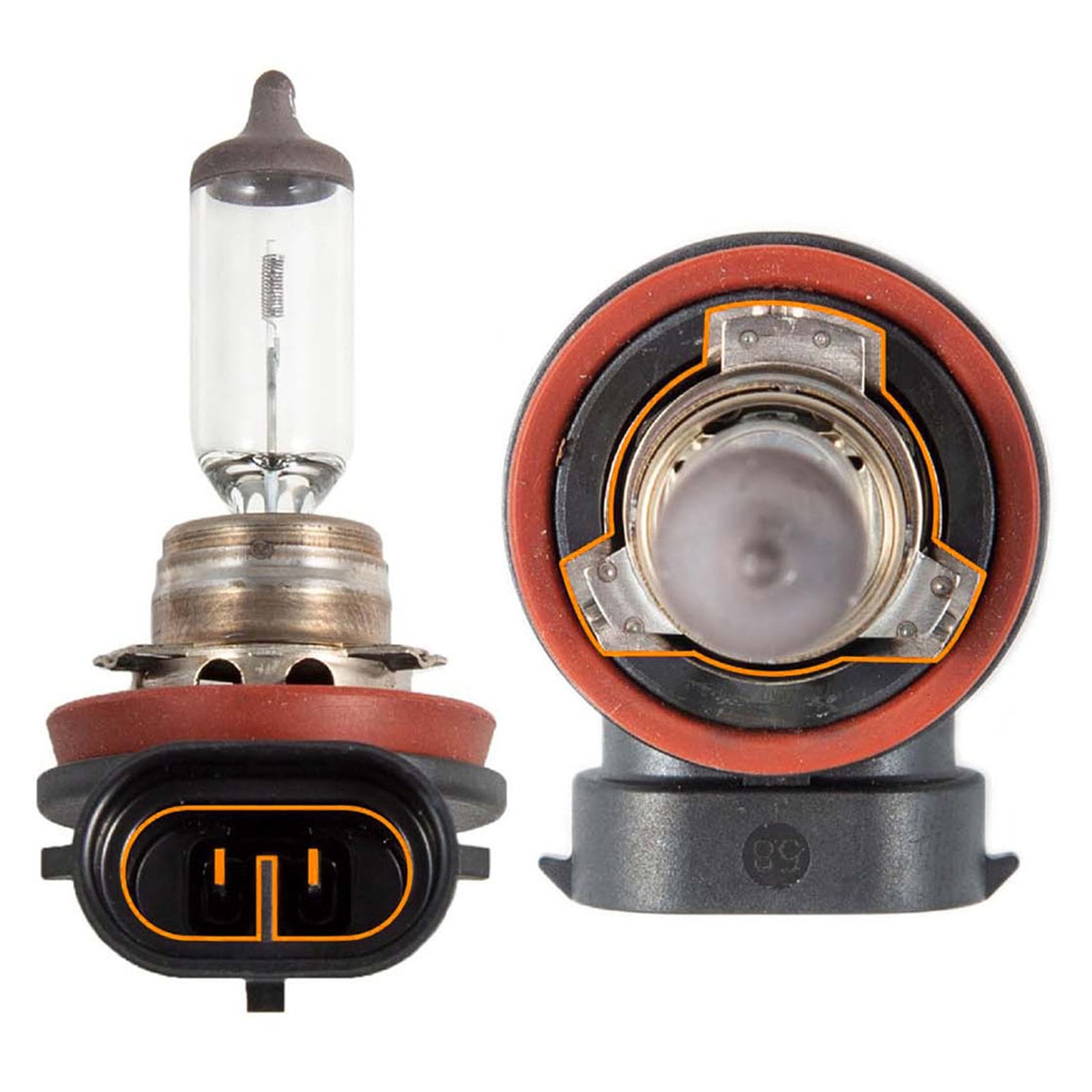
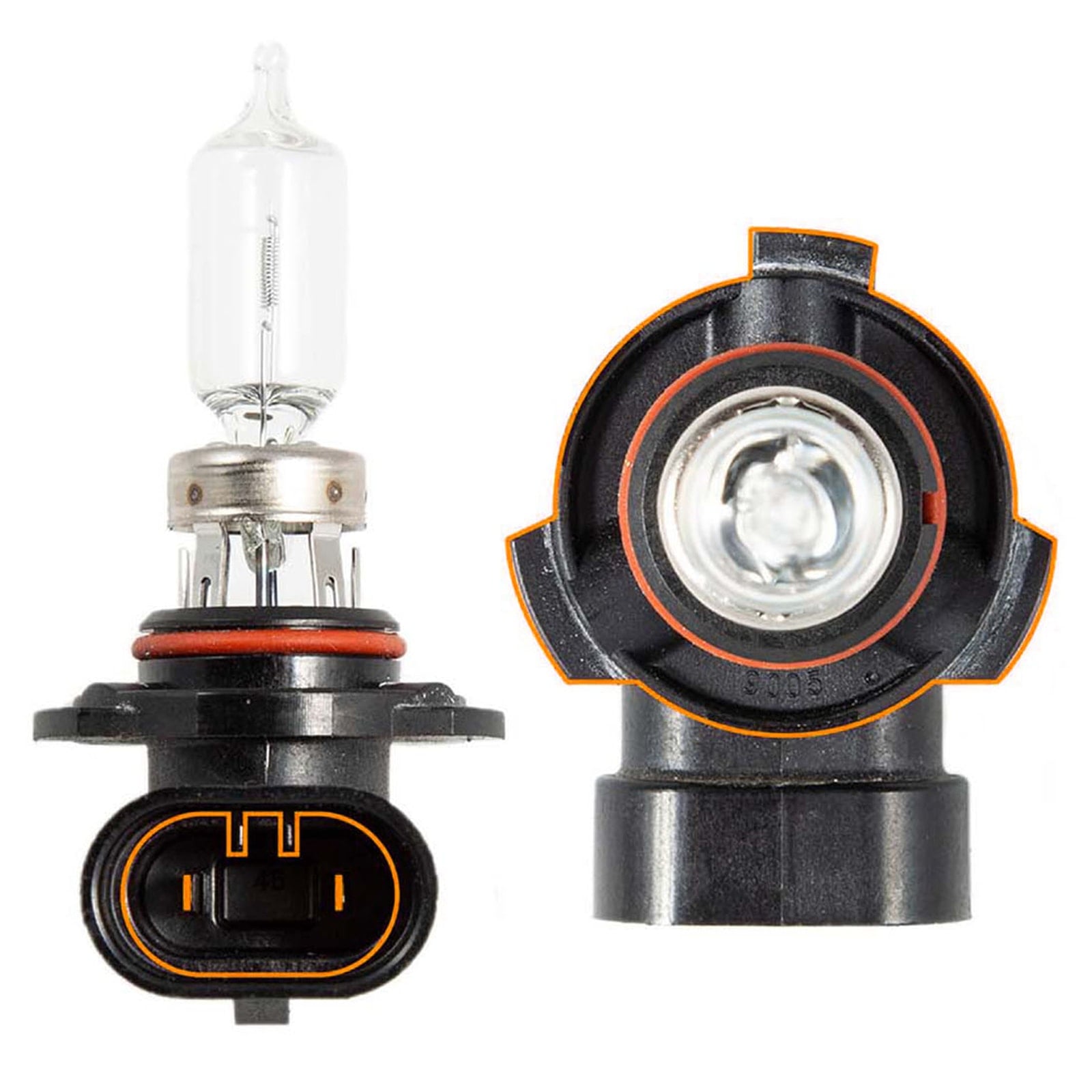
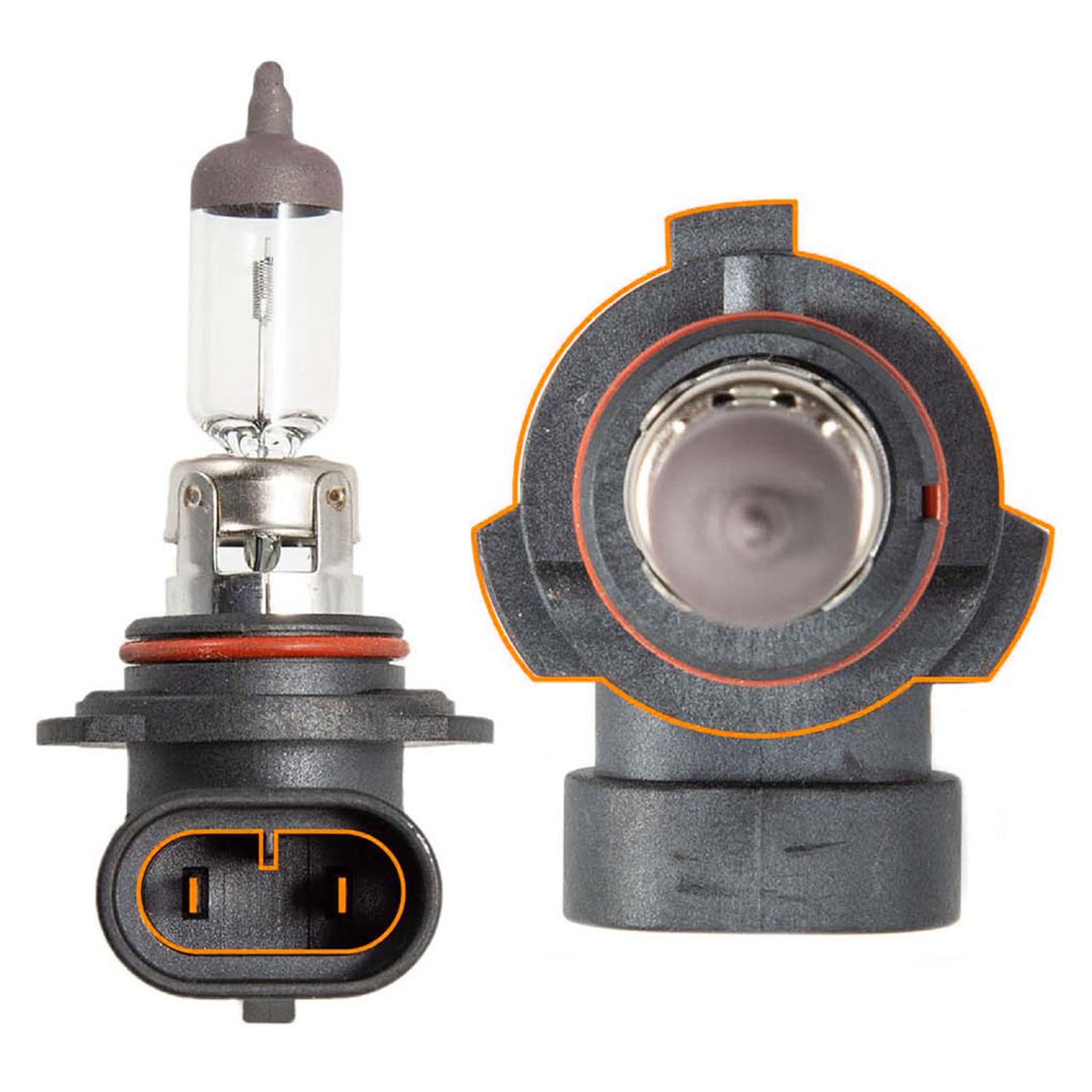
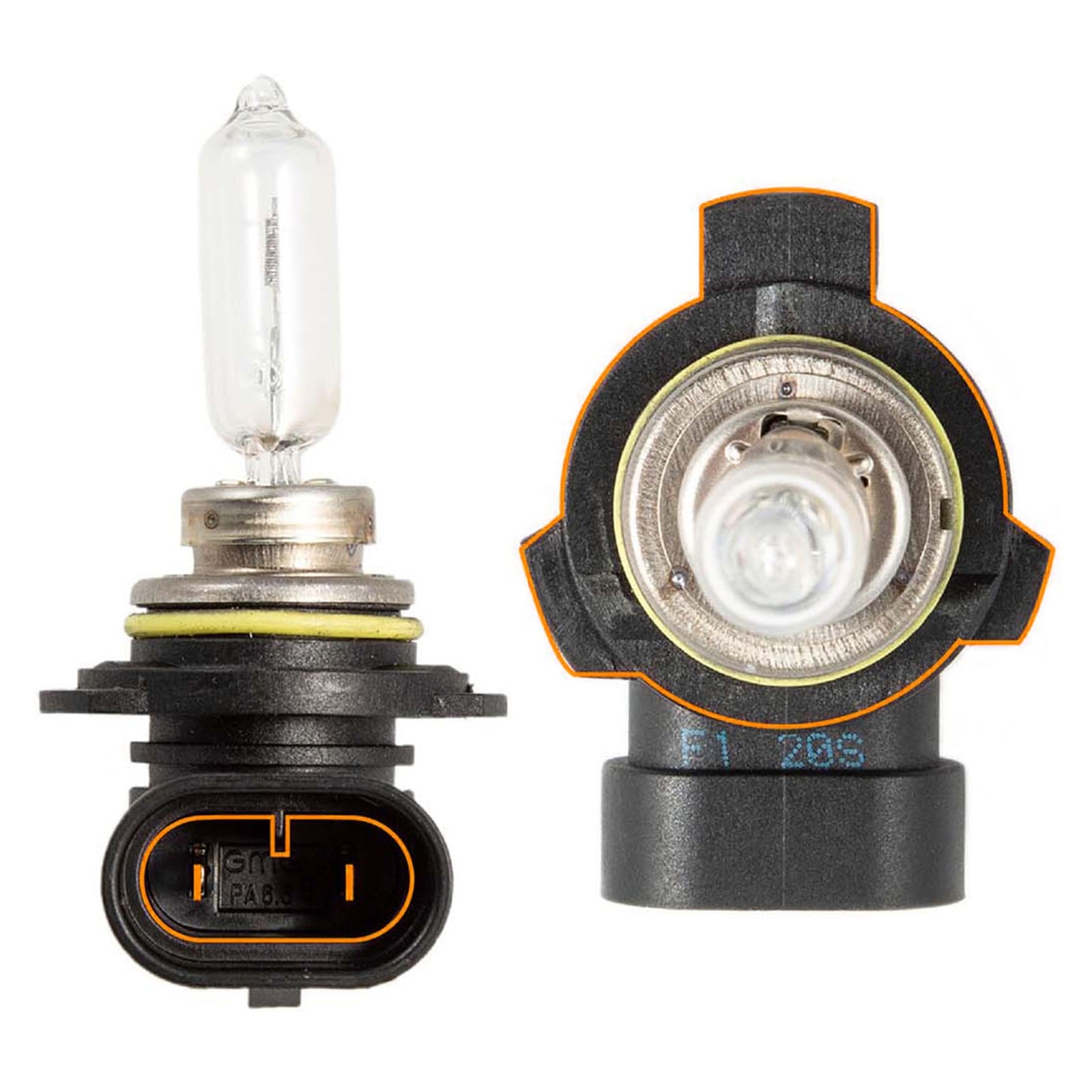
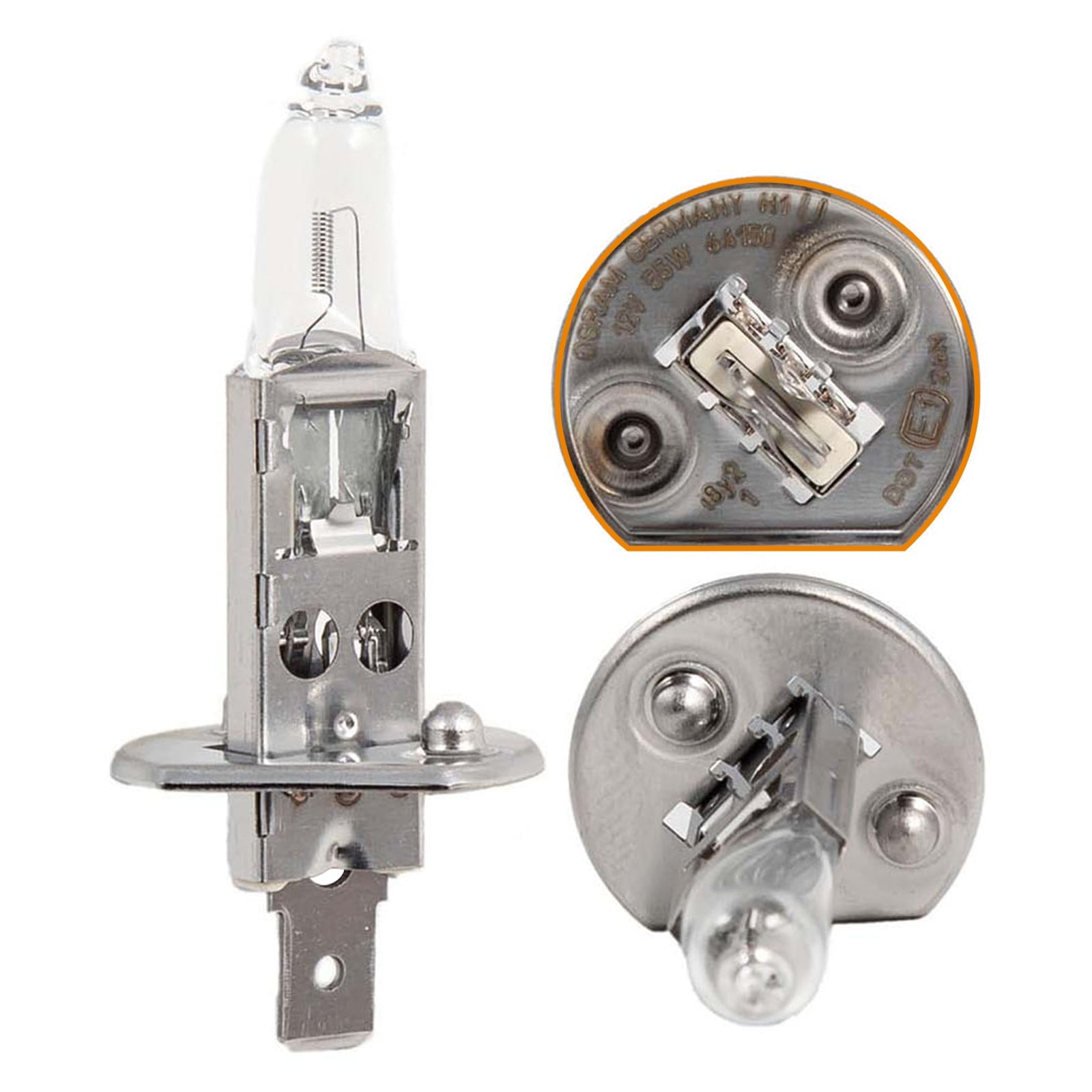
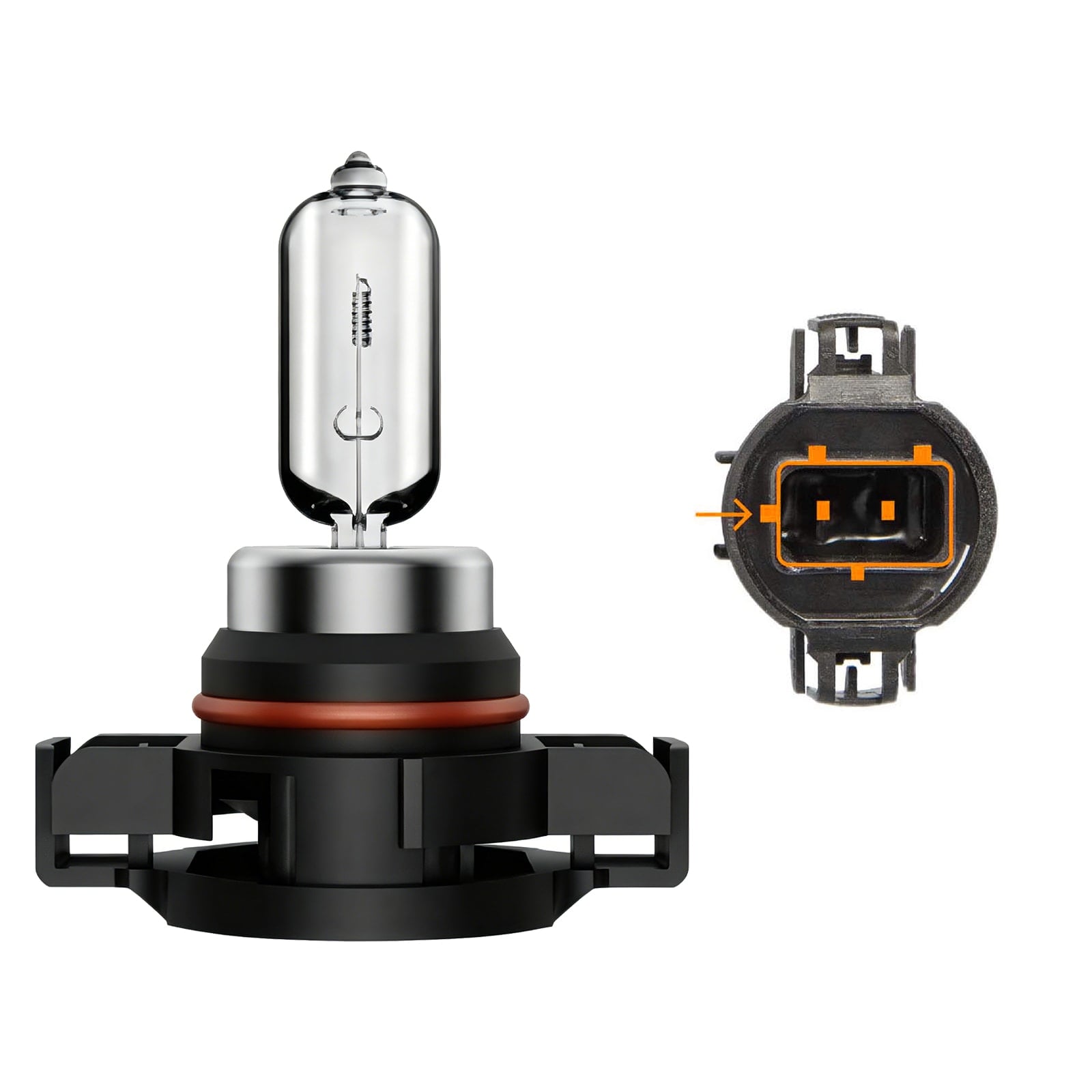
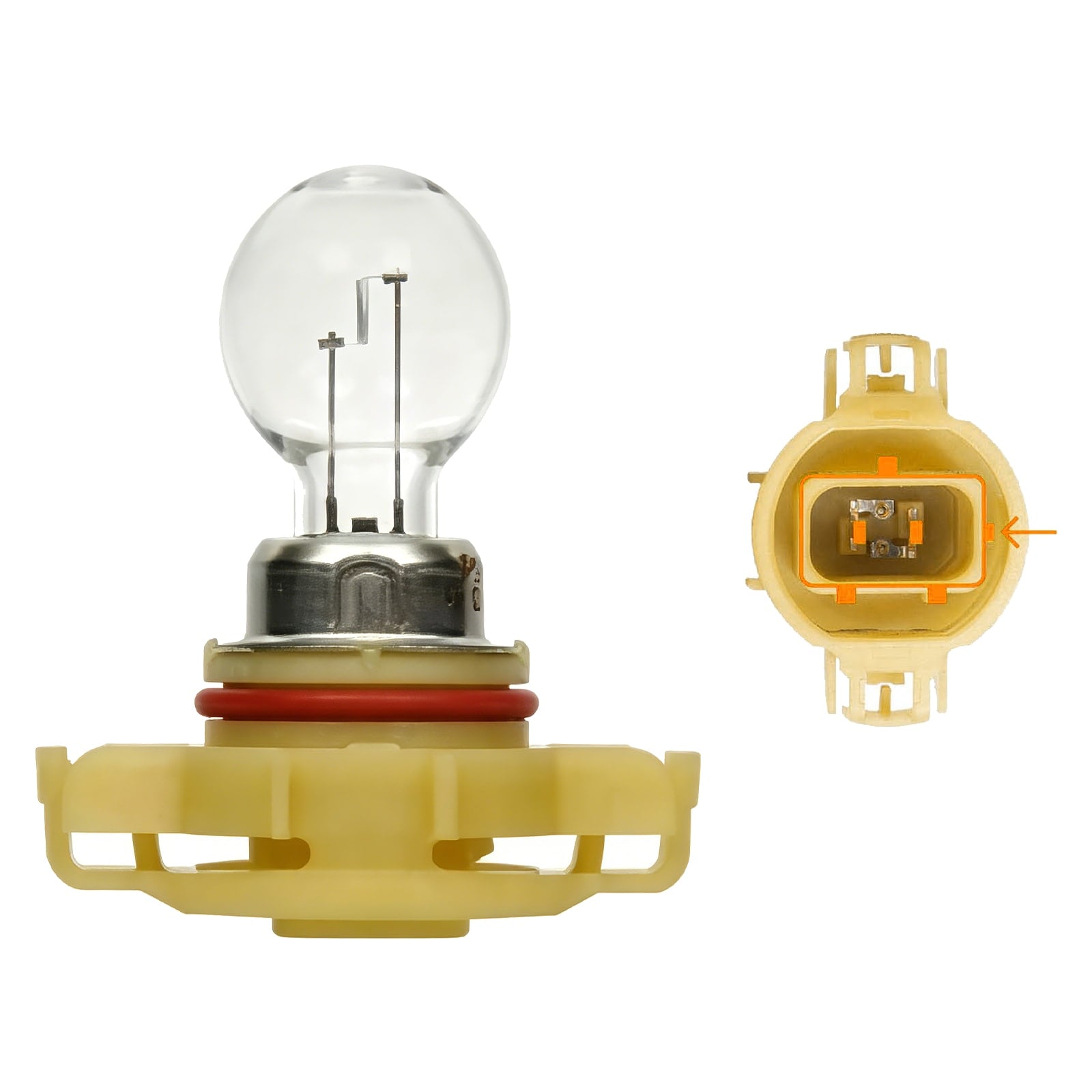
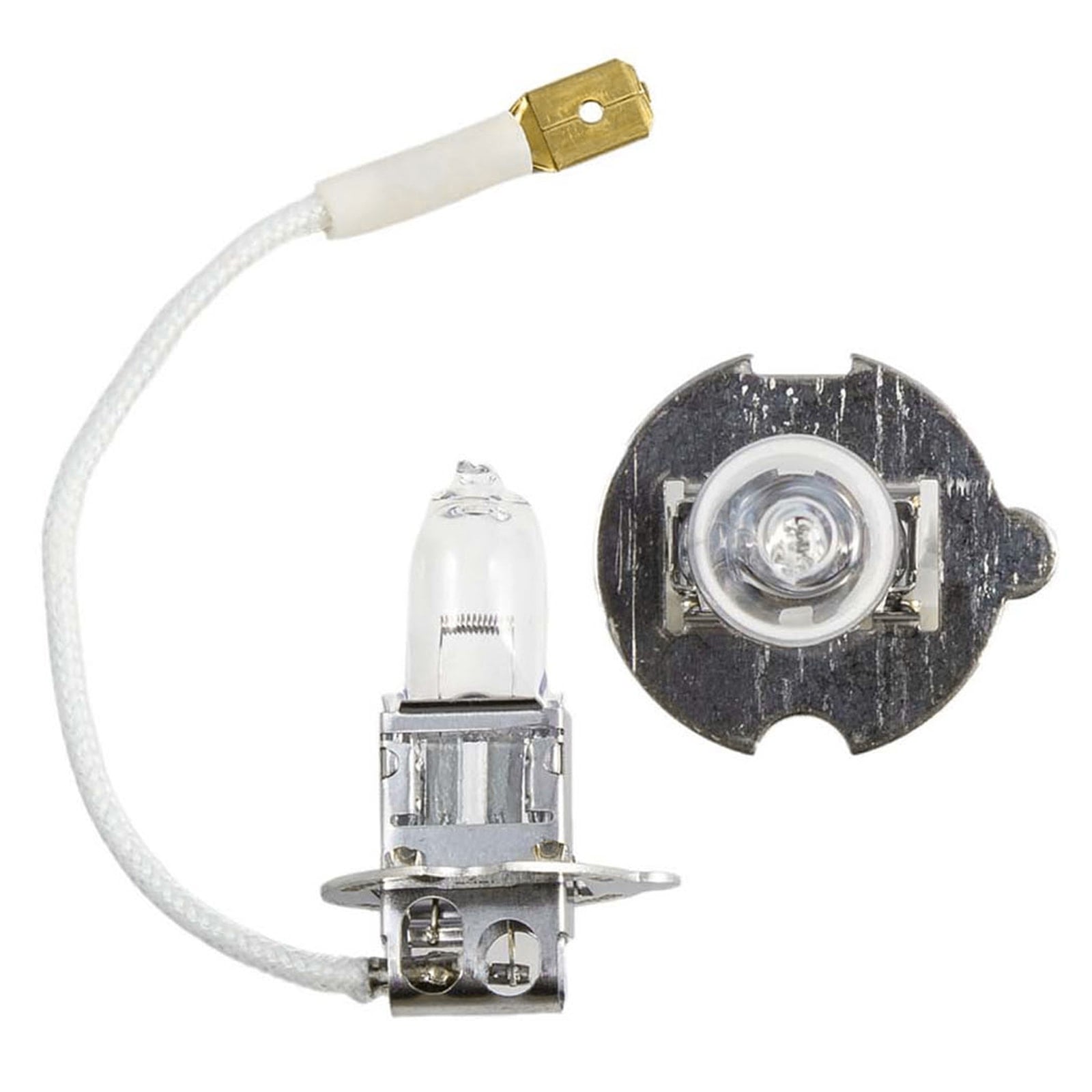
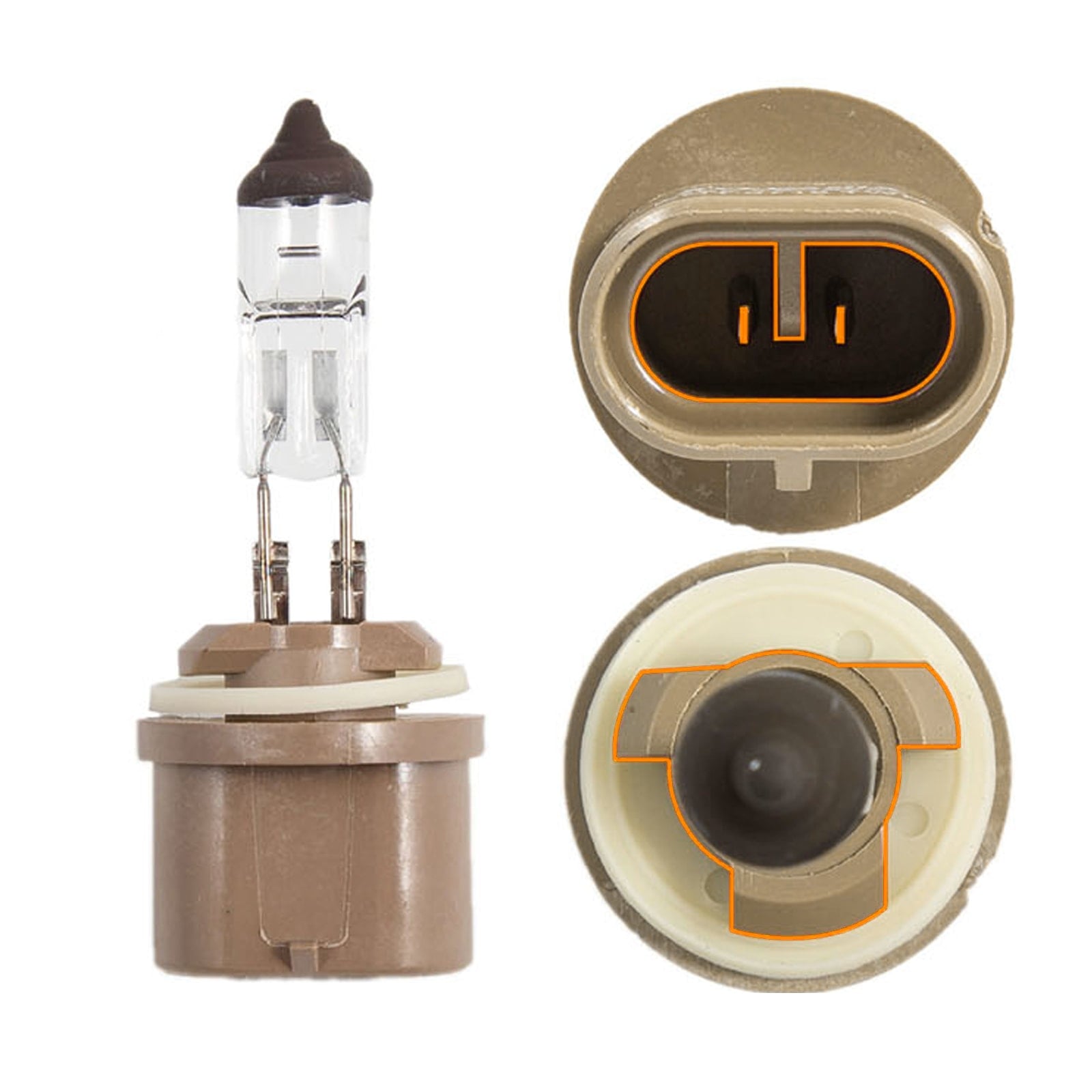
First, confirm that the LED bulb is the correct size and is fully installed. Then inspect the driver and connectors. You can use the SEALIGHT Canada Automotive Bulb Finder to check the bulb size for your vehicle.
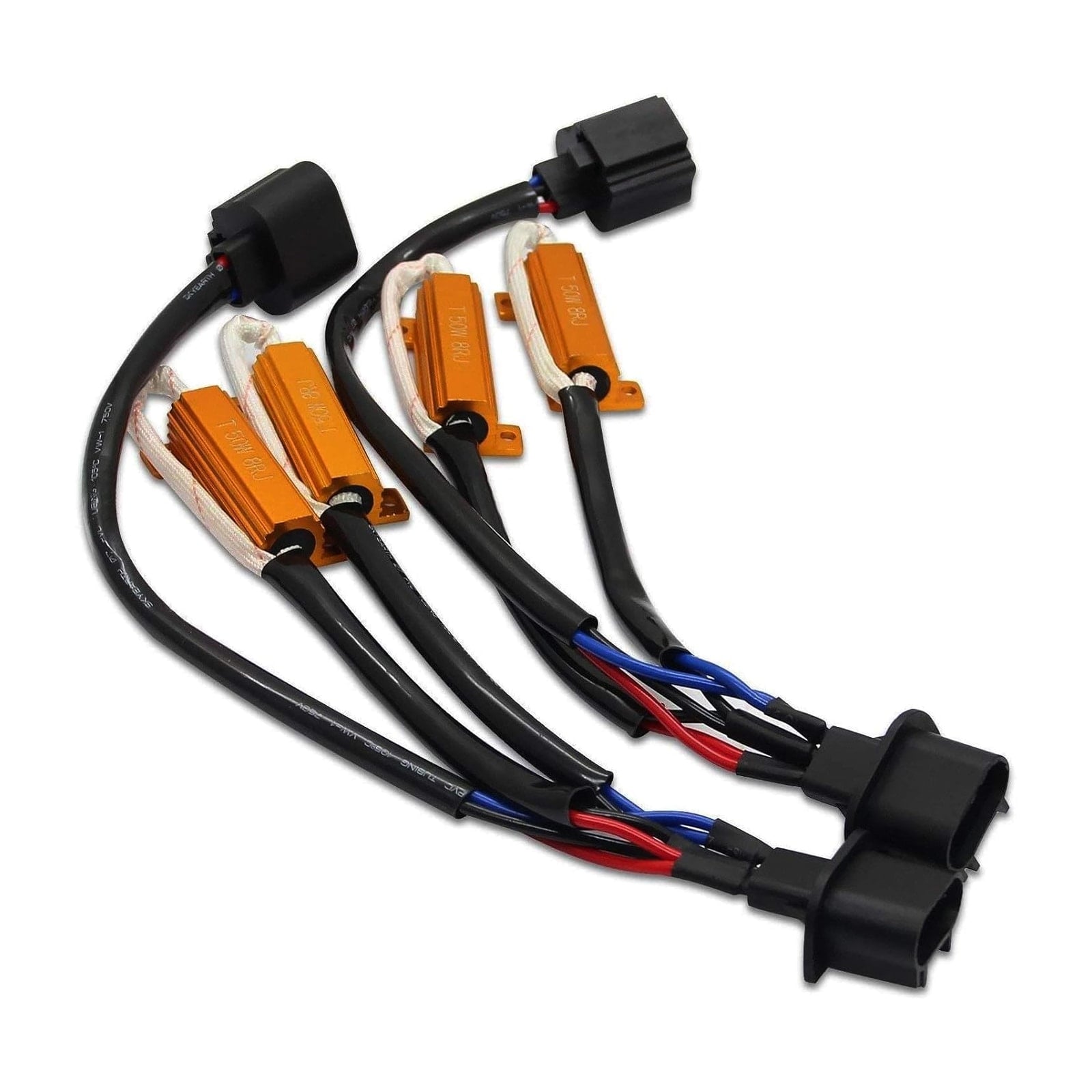
If the hardware is installed correctly and the flicker begins only after the LED upgrade, the vehicle may need a compatible CANbus decoder or resistor. SEALIGHT Canada offers CANbus decoders and anti-flicker resistors for supported applications. The correct solution depends on the vehicle and bulb type, so confirm compatibility before adding any electrical component.
Do Flickering New LED Bulbs Need to Be Replaced?
Not necessarily. A new LED bulb may be defective, but an installation or compatibility issue should be ruled out first.
If the problem follows the bulb when you move it to the other side, the bulb or LED driver is more likely to be faulty. If the flicker stays on the same side, look at the connector, wiring, ground, or vehicle circuit.
If both new LED bulbs flicker but the original halogen bulbs work normally, the vehicle may need a different LED solution or a compatible decoder.
Why Do My Headlights Flicker at Idle?
Headlights may flicker at idle when charging voltage is unstable or when electrical demand is high at low engine speed.
Notice whether the flicker changes when engine speed increases or when you turn on the heater fan, rear-window defroster, heated seats, or audio system. This information can help a technician diagnose the charging system.
Do not assume the alternator is bad based on flickering alone. Battery condition, terminal connections, grounds, wiring, and electronic controls can produce similar symptoms.
Why Do My Headlights Flicker When I Drive Over Bumps?
Flickering over bumps strongly suggests an intermittent connection. Check the bulb seating, connectors, wiring, grounds, relay connections, and any aftermarket adapters.
A wire that is stretched, rubbing against metal, or not securely routed can move as the vehicle travels. Repair damaged insulation and keep the harness away from hot or moving components.
When Should I Replace My Headlight Bulbs?
Replace a bulb when testing confirms a broken filament, damaged LED driver, internal intermittent fault, or major age-related deterioration.
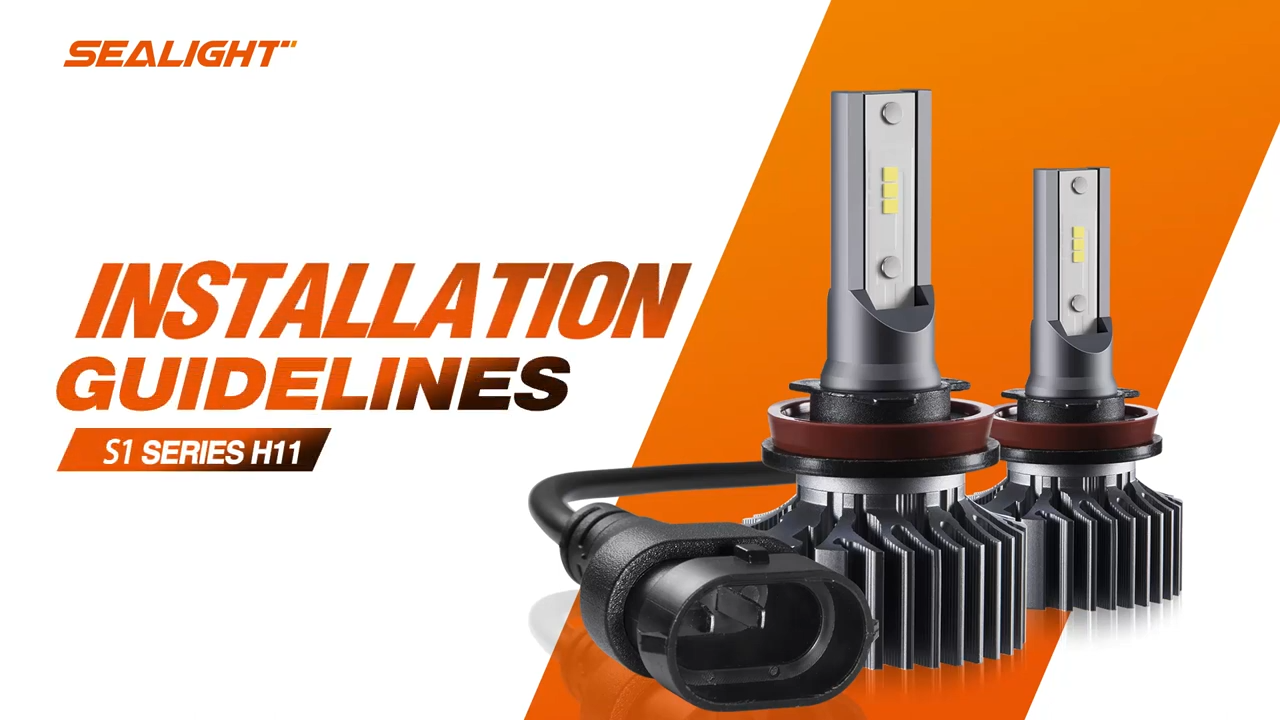
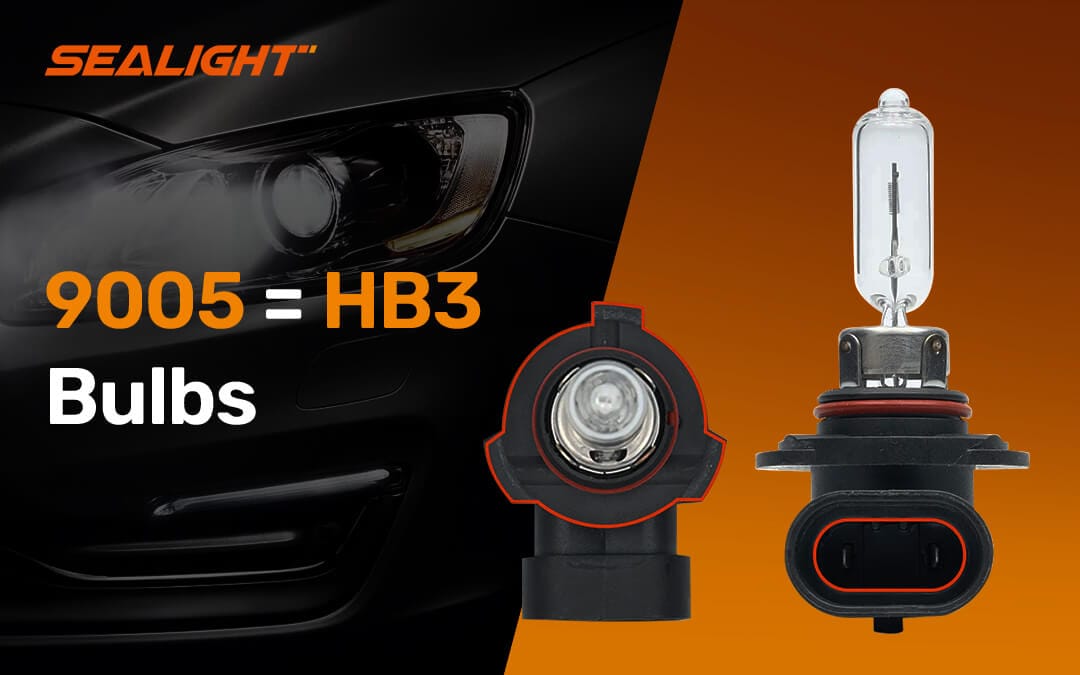
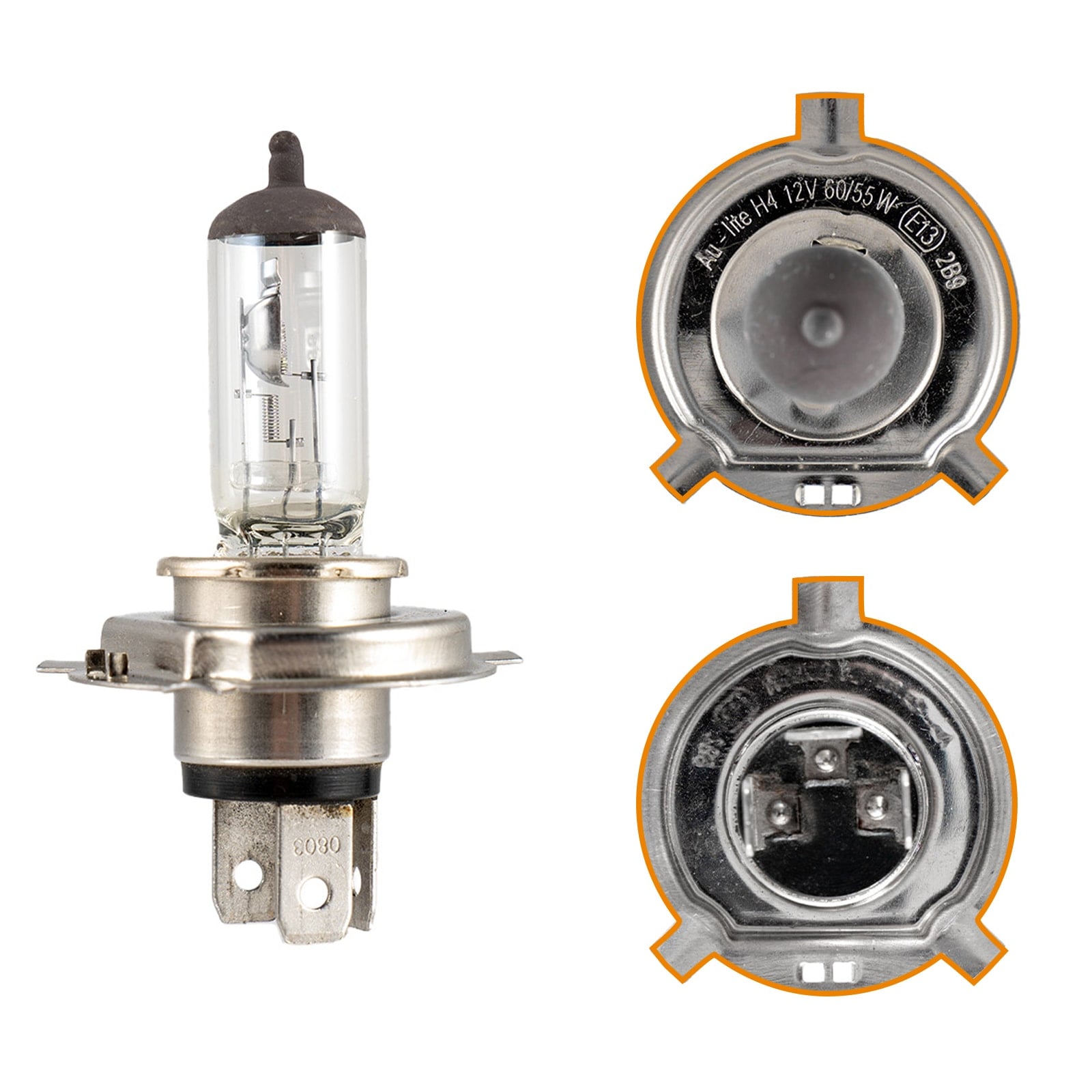
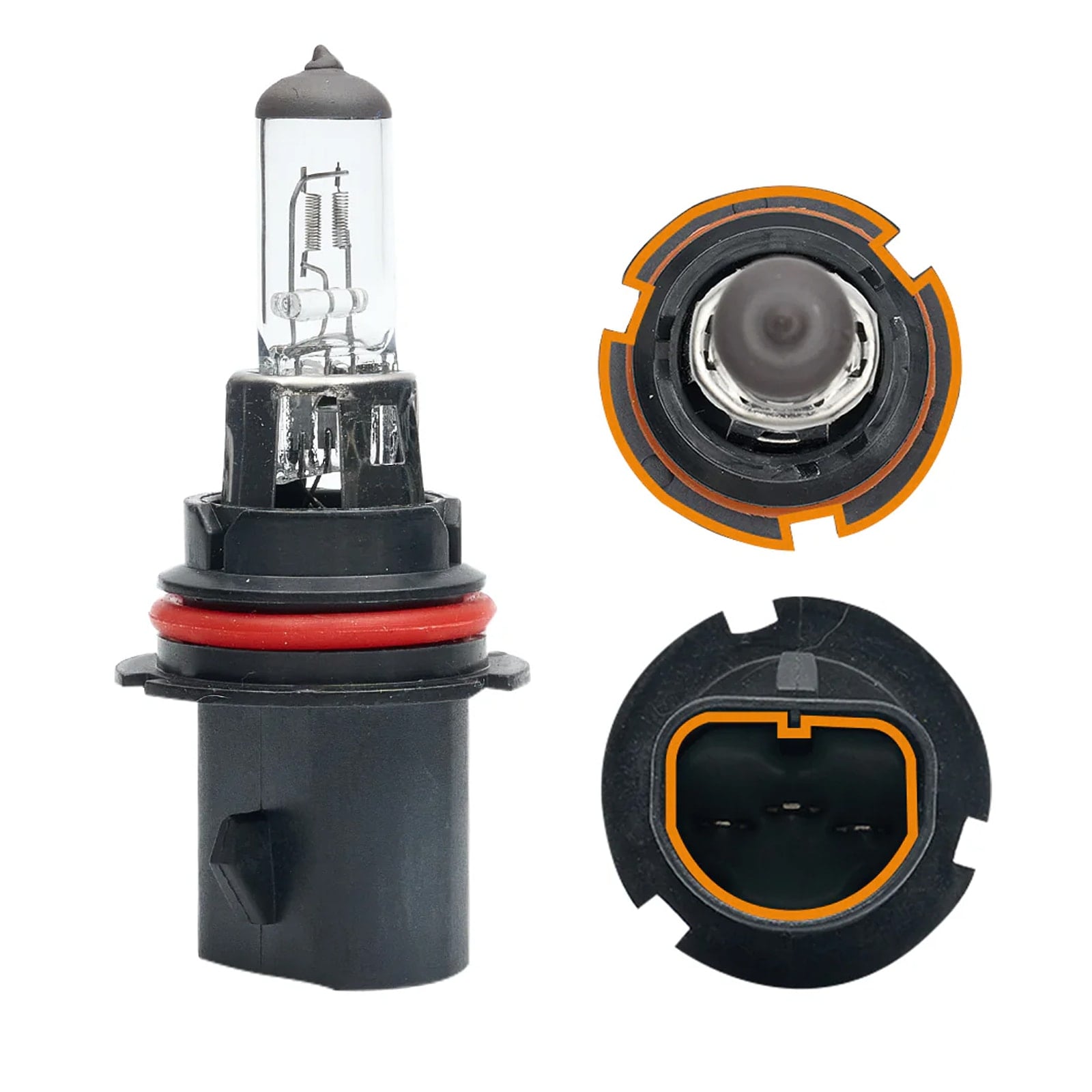
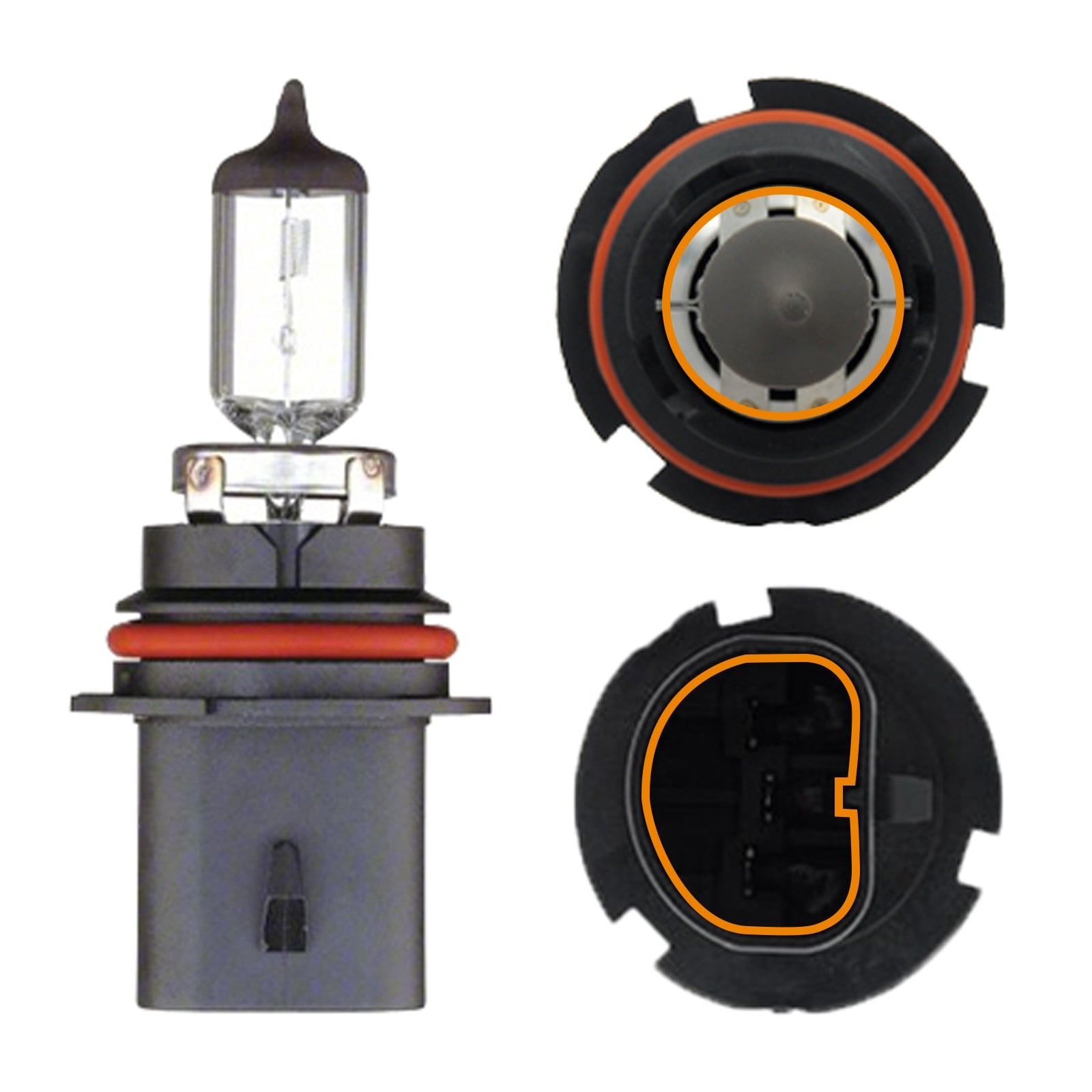
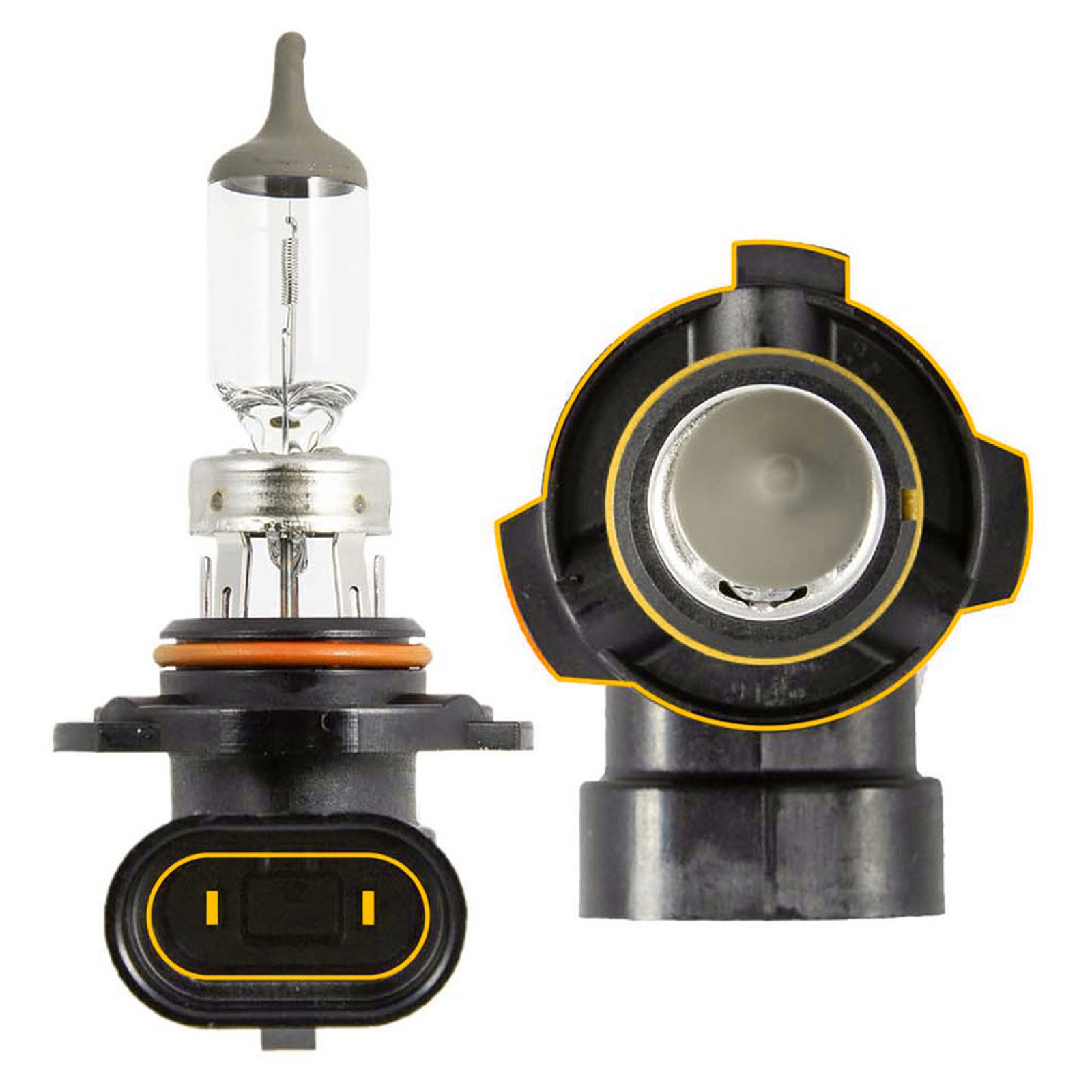
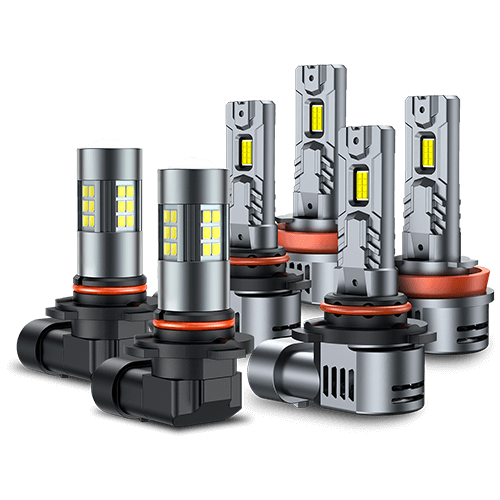
Before buying a replacement, confirm the factory bulb size and light position. Browse SEALIGHT LED headlight bulbs in Canada, or view common bulb families such as H11/H8/H9 LED headlight bulbs and 9005/HB3 LED headlight bulbs after checking your vehicle’s fitment.
For an LED upgrade, prioritize correct fit, stable electronics, proper installation, and a controlled beam pattern. A brighter bulb will not fix a wiring or charging-system fault.
Step-by-Step Headlight Flicker Checklist
- Check whether one headlight or both are flickering.
- Note when it happens: at startup, at idle, over bumps, while braking, when accessories are on, or after an LED upgrade.
- Confirm that each bulb is properly seated.
- Inspect the connectors for looseness, corrosion, moisture, or heat damage.
- Check accessible wiring and ground connections.
- Test with a known-good bulb if it is safe and practical.
- If both headlights flicker, have the battery and charging system tested.
- If flickering began after an LED conversion, confirm fitment and check whether a decoder is required.
- Get professional help if the issue involves unstable charging voltage, repeated electrical faults, or the vehicle’s body-control electronics.
Frequently Asked Questions
Can a weak battery make headlights flicker?
Yes, especially if the battery terminals are loose or system voltage drops during startup. Test the battery connections, battery condition, and charging system before replacing parts.
Can a bad alternator make headlights flicker?
Yes. Unstable alternator output or voltage regulation can make the headlights and other electrical systems pulse. However, the alternator should be tested before it is replaced.
Why do my LED headlights flicker when halogen bulbs do not?
The vehicle may monitor the lighting circuit or supply pulsed power that affects LED electronics differently. Check the bulb size, installation, driver, and CANbus compatibility.
Can a loose ground cause only one headlight to flicker?
Yes. A poor local ground or connector can affect one headlight while the other continues to work normally.
Is it safe to drive with flickering headlights?
Persistent flickering can reduce your visibility and may indicate an electrical fault. If the headlights are unreliable, avoid driving at night or in poor weather until the problem is diagnosed and repaired.
Final Thoughts
Flickering headlights are a symptom, not a diagnosis. First determine whether one light or both are affected and note when the flicker occurs. Then check the bulbs, connectors, grounds, wiring, battery, charging system, and vehicle compatibility in a logical order.
For vehicles driven through Canadian winters, pay particular attention to connections and grounds exposed to moisture, slush, and road salt. If the flicker began after an LED upgrade, verify the bulb size, installation, and electrical compatibility before replacing an otherwise functional bulb.